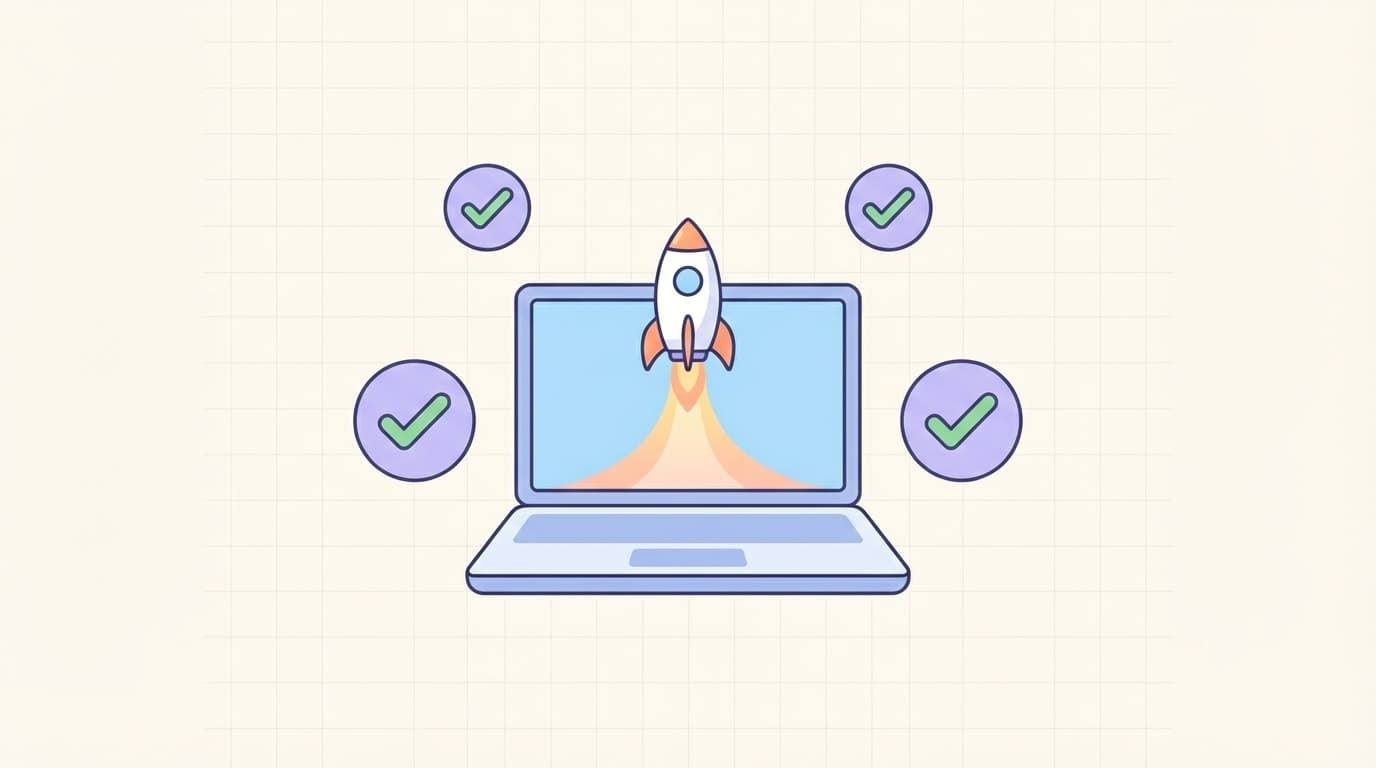
In today’s fast-paced digital market, your website often serves as the first impression for potential customers and investors. Before launching a website, every startup must complete a thorough startup website launch checklist. Skipping key steps can lead to slow loading times, poor user experience, or even legal issues that hurt your brand from day one.
This guide walks you through the essential preparations that turn a basic site into a powerful growth engine. Follow these steps and you will launch with confidence, knowing your online presence supports your business goals instead of holding it back.
Why Preparation Matters Before Launching a Website
Rushing a website live without proper planning wastes time and money. Studies show that 38 percent of users leave a site if it takes longer than three seconds to load. A solid startup website launch checklist prevents these problems and positions your brand for long-term success.
Start by aligning every decision with your overall business strategy. When you prepare correctly, your site becomes an asset that generates leads, builds trust, and scales with your company.
Defining Your Website Goals and Target Audience
Begin with clear objectives. Do you want to generate leads, sell products, or educate visitors? Write down specific goals and identify your ideal customer.
Create user personas that detail age, interests, pain points, and online habits. This information guides every later choice from design to content. Without it, your site risks speaking to no one in particular.
Review competitor websites in your niche. Note what works and what feels outdated. Use these insights to carve out your unique value proposition before launching a website.
Securing the Perfect Domain Name
Your domain name is your online address and a key part of branding. Choose a name that is short, memorable, and easy to spell. Include your primary keyword if it fits naturally.
Check availability on multiple registrars and secure matching social handles at the same time. Avoid hyphens or numbers that confuse users. For more tips, see our domain name selection guide.
A strong domain builds instant credibility and improves search visibility right from launch.
Choosing Reliable Web Hosting
Web hosting affects speed, uptime, and security. Shared hosting may work for very early stages, but most startups benefit from VPS or cloud options that grow with traffic.
Look for providers offering 99.9 percent uptime, free SSL certificates, daily backups, and excellent customer support. Test load times with real users in your target region before committing.
Scalability matters. Choose a host that lets you upgrade resources without migrating the entire site later. This decision directly impacts how smoothly your site performs after launch.
[Image: Clean illustration of a modern cloud-based web hosting dashboard showing uptime stats, security shields, and scalable resources, highlighting key choices in the startup website launch checklist]

Designing for Exceptional User Experience
First impressions count. Your design must look professional, load fast on mobile devices, and guide visitors toward clear actions. Use a responsive framework that adapts to every screen size.
Focus on intuitive navigation, fast load times under three seconds, and consistent branding colors and fonts. Tools like Figma help you prototype before development begins.
Avoid clutter. White space, clear calls-to-action, and logical page flow keep users engaged. Remember, a beautiful site that frustrates visitors fails every time.
Crafting High-Quality Content
Content tells your story and answers customer questions. Write clear, benefit-focused copy that speaks directly to your audience. Include an about page, services or product details, and a contact form.
Plan a simple blog strategy even before launching a website. High-quality articles improve SEO and give visitors reasons to return. Use original images and videos that reinforce your message.
Proofread everything. Grammar mistakes erode trust faster than any design flaw.
Implementing SEO Best Practices from the Start
Search engines reward sites that follow best practices from day one. Optimize page titles, meta descriptions, and headings with your target keywords. Create an XML sitemap and submit it to Google Search Console.
According to Google’s SEO Starter Guide, technical SEO elements like fast loading and mobile-friendliness matter most for new sites. Install analytics tools early so you can track performance immediately after launch.
Build internal links between pages and earn external links through valuable content. These steps give your startup website launch checklist a strong foundation for organic traffic.
[Image: Detailed checklist infographic with green checkmarks next to items like SEO optimization, mobile testing, and security setup, representing essential steps in any startup website launch checklist]

Addressing Legal and Compliance Requirements
Legal oversights can create serious problems after launch. Add a clear privacy policy and terms of service that explain data handling. If you collect emails or personal information, include a compliant cookie notice.
Research regulations that apply to your location and industry. Display necessary disclaimers and ensure accessibility standards are met so every user can navigate your site.
Taking care of these details before launching a website protects your startup and builds customer confidence.
Prioritizing Website Security
Security is non-negotiable. Install an SSL certificate to encrypt data and display the padlock icon. Use strong passwords, enable two-factor authentication, and keep all software updated.
Install a web application firewall and schedule regular backups. Consider security plugins or services that scan for malware automatically. These measures prevent breaches that could damage your reputation before you even gain momentum.
Conducting Comprehensive Testing
Never skip testing. Check every page on multiple browsers and devices. Test forms, links, and checkout flows if applicable. Use tools to measure page speed and fix any issues.
Ask real users from your target audience to navigate the site and share feedback. Fix usability problems before they reach the public. A final pre-launch review catches small errors that could otherwise hurt conversions.
By following this complete startup website launch checklist, you set your new business up for a confident and successful online debut. Your website will load quickly, rank better, and convert visitors into loyal customers from the very first day.
admin
Digital product designer and software engineer at Quadiz studio, sharing insights on conversion-driven UI/UX design, modern web development, and building scalable software.


