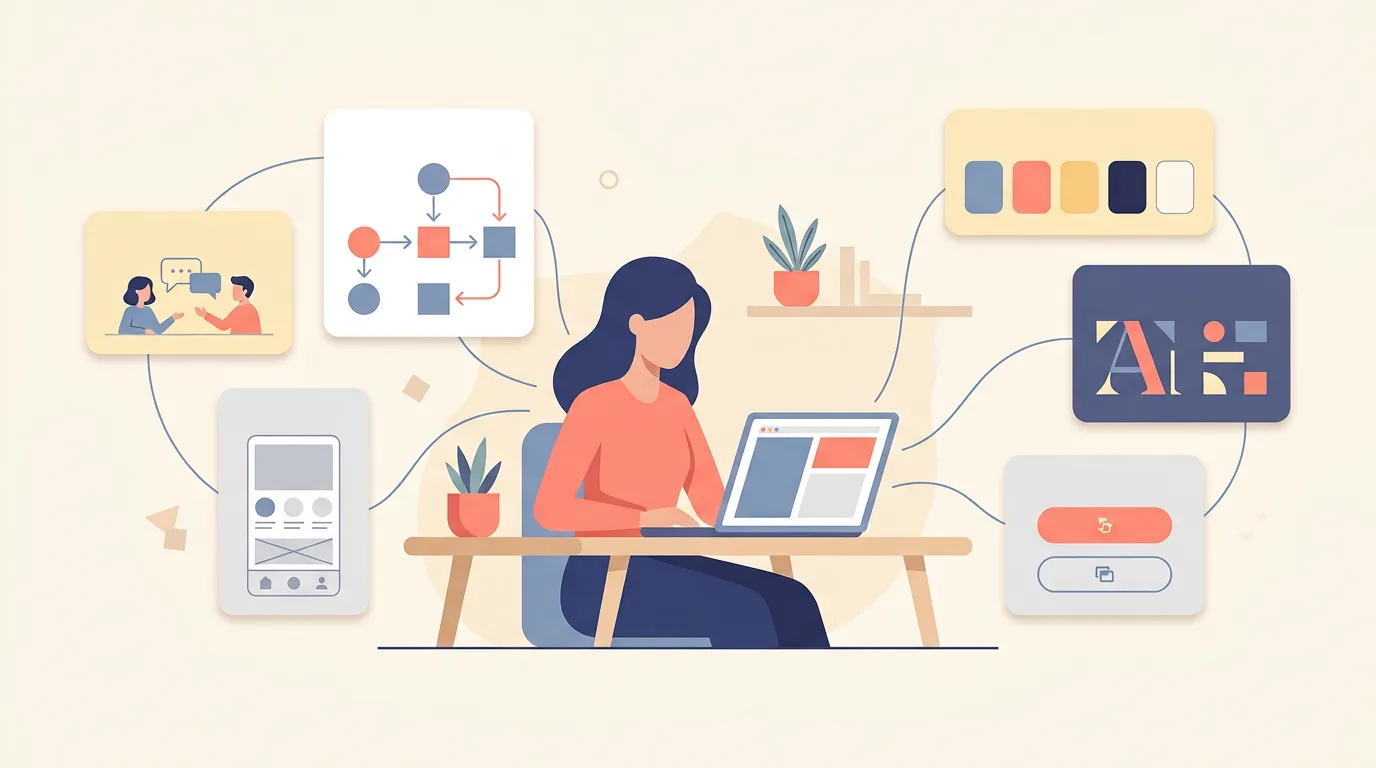
A UX/UI designer owns two connected halves of a digital product: how it works and how it looks. The UX half studies users and shapes the journey so tasks feel easy. The UI half gives that journey a visible form: screens, components, colors, and every state in between. One person, two lenses, pointed at the same product.
Most companies hire for the combined role, which is why the title gets glued together, and why the job is so often misunderstood. This guide explains what a UX/UI designer actually does across a product's life, what they deliver, and the misconceptions worth clearing up, whether you're hiring one or wondering whether to become one.
What Does a UX UI Designer Do
Start with the simplest true statement: a UX/UI designer decides what a product does, in what order, and what it looks like while doing it. Every screen a user touches exists because this person either designed it or redesigned it.
In practice the role moves through a rhythm. Understand users, define the problem, sketch the structure, design the screens, test with real people, adjust, and hand clean specifications to developers. Then the loop runs again for the next feature, because software is never finished.
The reason one person carries both halves is coherence. When the person deciding how a flow works is the same person deciding how it looks, the interface stays honest to the experience. Split the two carelessly and you get screens that contradict the journey, which users feel even when they can't articulate it.
In bigger companies the halves split into separate specialist jobs. In startups, agencies, and most hiring situations, they're one role. That's the version this guide explains.
The UX Side of the Role
The UX half starts long before anything visual exists, and it looks less like design than like investigation.
Research comes first. The designer interviews users, runs surveys, watches session recordings, and reads support tickets, hunting for the truth about how people currently solve the problem the product addresses. From that evidence come personas and journey maps, which are less art projects than working documents: they compress what was learned into something a whole team can argue with.
Then structure. Information architecture decides what the product contains and how it's organized. User flows map each task screen by screen: where people start, what choices they face, where they end up. Getting this stage right is invisible when done well and expensive when done badly, which is why experienced designers linger here.
Wireframes translate structure into gray-box screens: layout, hierarchy, and content, deliberately stripped of styling so feedback stays on the logic. Prototypes make those wireframes clickable, and usability testing puts them in front of real people. The designer watches where users hesitate, misread, or fail, and feeds every finding back into the next iteration.
The output of all this isn't just documents. It's conviction: the team stops debating opinions and starts debating evidence.
The UI Side of the Role
Once the journey holds up, the UI half gives it skin, and this is a larger craft than "making it pretty."
Visual systems come first: the palette, the type scale, the spacing rhythm, the corner radii. Decided once, applied everywhere. Then components: buttons, inputs, cards, navigation, each designed as a family of states, normal, hover, pressed, disabled, loading, error. Users never see a component; they see a product that behaves consistently, which is the point.
Layout work turns wireframe logic into composed screens: what dominates, what supports, where the eye travels, what the thumb can reach. Responsive behavior ensures the same design holds together on a laptop, a tablet, and a mid-range phone.
UI designers also build and maintain the design system, the shared library of components and rules that keeps a growing product coherent and speeds up every future screen. And they own the handoff: annotated designs, specs, and assets organized so developers can build exactly what was approved, plus design QA afterward to catch what got lost in translation between screen and code.

Where the Two Halves Blend
Some of the role's most important work happens between the two disciplines.
Microcopy is the clearest example. Button labels, error messages, empty states: these are simultaneously UX decisions (does the user know what just happened and what to do next?) and UI decisions (does the text fit, does it read at that size?). On well-designed products, someone deliberately chose every word.
Accessibility belongs to both halves too. Contrast ratios, focus states, touch targets, motion sensitivity: technically UI craft, but driven by the UX conviction that the product must work for everyone. Designers who treat accessibility as someone else's job ship products that quietly exclude people.
And the communication layer runs through everything: presenting work, defending decisions with reasoning, negotiating constraints with product managers and engineers, and absorbing feedback without ego. A UX/UI designer who can't explain their decisions becomes a pixel-pushers regardless of talent. The ones teams trust combine craft with the ability to say why.
What a UX/UI Designer Delivers
Across a project, the role produces a recognizable arc of deliverables, and it helps to see them in order.
Research findings and personas, so the team shares one picture of the user. Journey maps and user flows, so the structure is agreed before screens exist. Wireframes for every core screen, then a clickable prototype for testing. High-fidelity mockups showing exactly how the product will look. A component library or design system, so consistency scales. And handoff documentation plus design QA, closing the loop between approved designs and shipped code.
Notice the shape of that list: half of it is thinking made tangible, and half is craft made precise. That's the honest ratio of the job, and it's why the best UX/UI designers are worth hiring whole rather than splitting the role across two people who barely talk.

Common Misconceptions Worth Correcting
Four myths still follow this role around.
"It's just making things pretty." The visual layer is the visible tenth of the work. The rest is research, structure, and decisions that determine whether anyone reaches the pretty screens at all.
"It's the same as graphic design." Adjacent skills, different jobs. Graphic design communicates a message; UX/UI design builds an interactive system that has to survive contact with real users making real choices.
"They work alone." Nearly the opposite. The role sits between product, engineering, and users, translating constantly in every direction. Isolation is the single best predictor of designs that fail in build.
"They're only needed at the start." Designing the product once and walking away assumes software stands still. Products change, users change, and every new feature reintroduces every old question. The best products keep a designer in the loop permanently.
A quick self-test if you're hiring for this role and unsure what to ask for: hand the candidate a feature idea and ask how they'd approach it. A strong UX/UI designer will start with questions about users and constraints, describe how they'd structure the flow, mention what they'd test and with whom, and only then talk about visuals. A weak one starts with color palettes. The order of their answer is the interview.
And when you'd rather have this handled than hire for it, that's our whole shape at Quadiz: our design team carries projects from research to development handoff and stays through launch, and our case studies show the results. If your product needs a designer who does the whole job rather than half of it, book a free call and let's talk.
Tags:#UX UI Designer#Designer Role#Product Design
Written byFounder & Lead Developer
Nayef
Visit Website ↗Tech enthusiast, lead developer, and founder of Quadiz.


