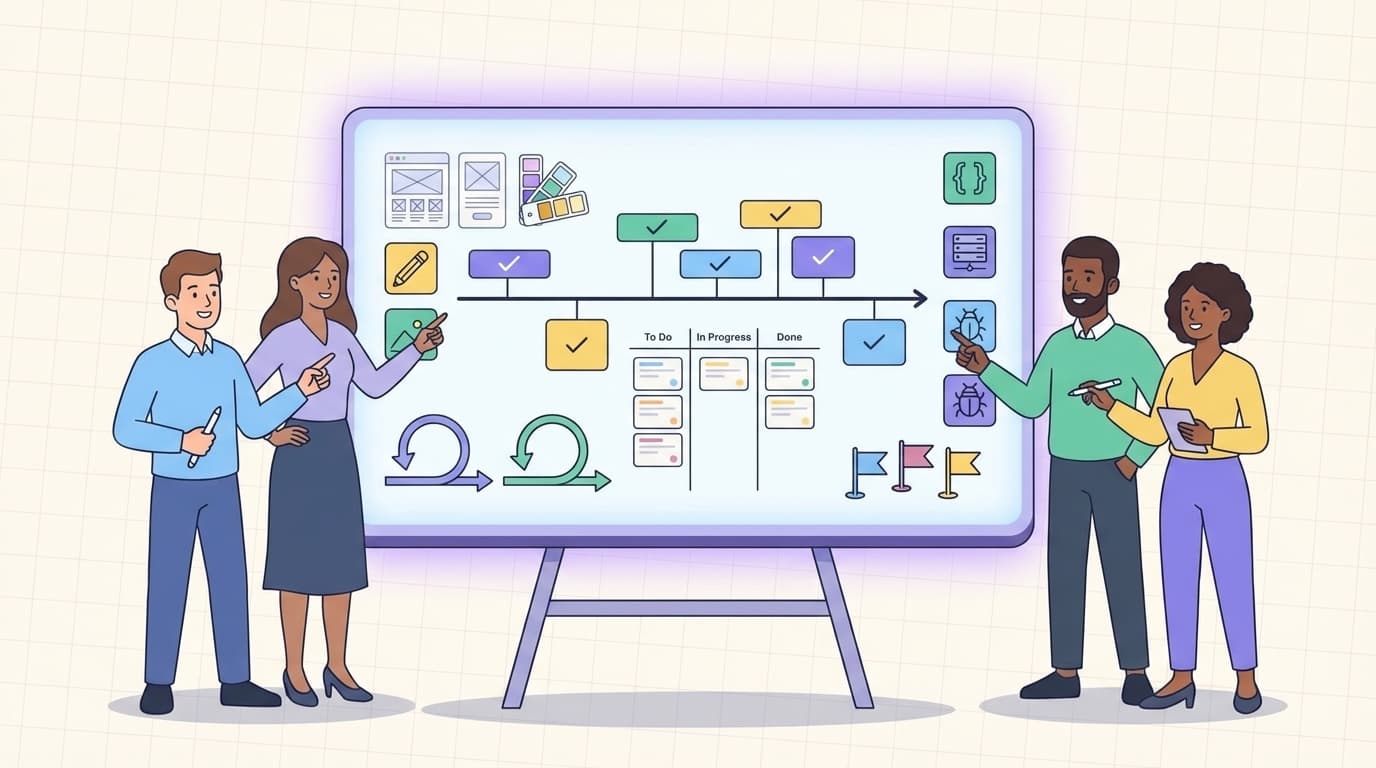
In the fast-paced world of digital products, mastering project planning tips for design and development teams can transform chaotic workflows into smooth, predictable delivery. Whether you lead a small startup squad or a large agency team, effective planning ensures designers and developers stay aligned, resources are used wisely, and clients receive exceptional results without last-minute stress. These project planning tips for design and development teams draw from real-world best practices used by top creative and tech organizations. Apply them today and watch your projects finish faster with higher quality.
Design and development teams often face unique challenges like shifting creative feedback or complex technical dependencies. Yet with the right approach, you can turn potential roadblocks into opportunities for innovation. The following strategies focus on clarity, collaboration, and adaptability—core elements that make project planning tips for design and development teams truly effective.
What Makes Project Planning Essential for Design and Dev Teams?
Strong planning prevents scope creep and missed deadlines that plague many creative-tech projects. According to Atlassian, clear goals and risk identification in the early design phase help teams stay on track from the start. Without it, designers might iterate endlessly while developers wait for final specs, wasting valuable time.
Start every project by gathering stakeholder requirements and defining success metrics. This step alone can reduce rework by up to 40 percent. Involve both design and development leads early so everyone understands the big picture before diving into tasks.
Define Clear Goals and Create a Solid Scope Statement
One of the top project planning tips for design and development teams is setting specific, measurable goals right away. Ask: What problem are we solving? What does success look like for users? Translate business objectives into design requirements and technical deliverables.
Create a detailed scope statement that outlines boundaries—what is in and what is out. This document becomes your north star. Break the project into phases: discovery, design, development, testing, and launch. Use a work breakdown structure (WBS) to divide large deliverables into manageable tasks. Northeastern University experts recommend this method because it makes complex projects feel achievable and assignable.
** [Image: Clean visual Gantt chart showing phased project timeline for design and development teams, with color-coded milestones for creative and technical tasks, modern flat design, alt text: "project planning tips for design and development teams using Gantt charts"] **

Choose the Right Methodology: Agile, Hybrid, or Waterfall?
Flexibility matters when applying project planning tips for design and development teams. Agile remains popular for its iterative sprints and daily stand-ups, especially in environments where user feedback drives changes. Atlassian highlights how Scrum roles and ceremonies keep cross-functional teams synchronized.
Many teams now use hybrid approaches—Waterfall for fixed requirements in early planning combined with Agile for execution. This blend works well when design needs creative freedom but development demands structured timelines. Decide based on project size: smaller teams thrive with Kanban boards for continuous flow, while larger ones benefit from quarterly planning roadmaps.
Build Realistic Timelines and Assign Roles Clearly
Development project timelines often slip when estimates ignore feedback loops or testing time. Add 15-20% buffer to every phase. Map major milestones and assign owners using RACI charts (Responsible, Accountable, Consulted, Informed). Designers handle wireframes and visuals; developers focus on code architecture and integration.
Encourage collaboration by scheduling joint design-dev syncs twice per week. Tools like Figma for real-time handoffs or Jira for task tracking keep both sides informed. This cross-team communication is a game-changing project planning tip for design and development teams that reduces handoff friction.
| Step in Planning | Key Action for Design Teams | Key Action for Development Teams | Recommended Tool |
|---|---|---|---|
| Goal Setting | Define user personas and brand guidelines | Align on technical constraints and stack | Asana |
| Task Breakdown | Create mood boards and wireframes | Build architecture diagrams | Jira |
| Timeline Creation | Estimate iteration cycles | Estimate coding and QA sprints | Monday.com |
| Risk Assessment | Flag design approval delays | Identify integration risks | Wrike |
Leverage Modern Tools to Centralize Planning
Technology turns scattered notes into a single source of truth. Popular choices include Asana for visual boards, Monday.com for customizable dashboards, and Jira for agile-heavy dev teams. These platforms automate reminders, track dependencies, and generate progress reports instantly.
Integrate design tools like Figma directly with project management software for seamless file sharing. External resource: Check Asana’s guide on project design for visual milestone tracking that works especially well for creative teams.
For internal reference, see our earlier guide on how to manage client projects without missing deadlines, which pairs perfectly with these planning methods.
Identify Risks Early and Plan for Collaboration
Proactive risk management is another vital project planning tip for design and development teams. Hold a dedicated session to list potential issues—budget overruns, delayed client feedback, or tech stack limitations. Assign mitigation owners and review risks weekly.
Foster true collaboration by creating shared repositories and using version control from day one. Regular retrospectives after each sprint help teams refine their process. Monday.com’s design planning blog emphasizes translating business goals into clear requirements before work begins, ensuring designers and developers pull in the same direction.
** [Image: Modern collaborative dashboard screenshot displaying shared tasks between design and development team members, real-time progress bars and comment threads, clean interface, alt text: "project planning tips for design and development teams with collaborative tools"] **

Monitor Progress and Review After Every Project
Daily or weekly check-ins keep momentum high. Use burndown charts in agile setups to spot delays early and adjust without panic. Celebrate small wins to maintain team energy.
After launch, conduct a quick post-mortem. What worked? What slowed you down? Document lessons and update your planning templates. Over time, your project planning tips for design and development teams evolve into a custom playbook that delivers consistent results.
By implementing these strategies consistently, design and development teams move from reactive firefighting to proactive delivery. Start small—pick two or three tips for your next project—and build from there. Your clients will notice the difference, and your team will thank you for clearer, less stressful workflows.
Thumbnail Image Prompt: A clean, minimal, and simple flat-design illustration featuring a diverse design and development team collaborating around a large digital planning board with timelines, icons for wireframes and code, checkmarks on milestones, and subtle agile sprint symbols. Soft teal and navy color palette, white background, modern minimal icons, high-resolution suitable for blog featured image, professional yet creative vibe representing successful project planning for design and development teams.
admin
Digital product designer and software engineer at Quadiz studio, sharing insights on conversion-driven UI/UX design, modern web development, and building scalable software.


