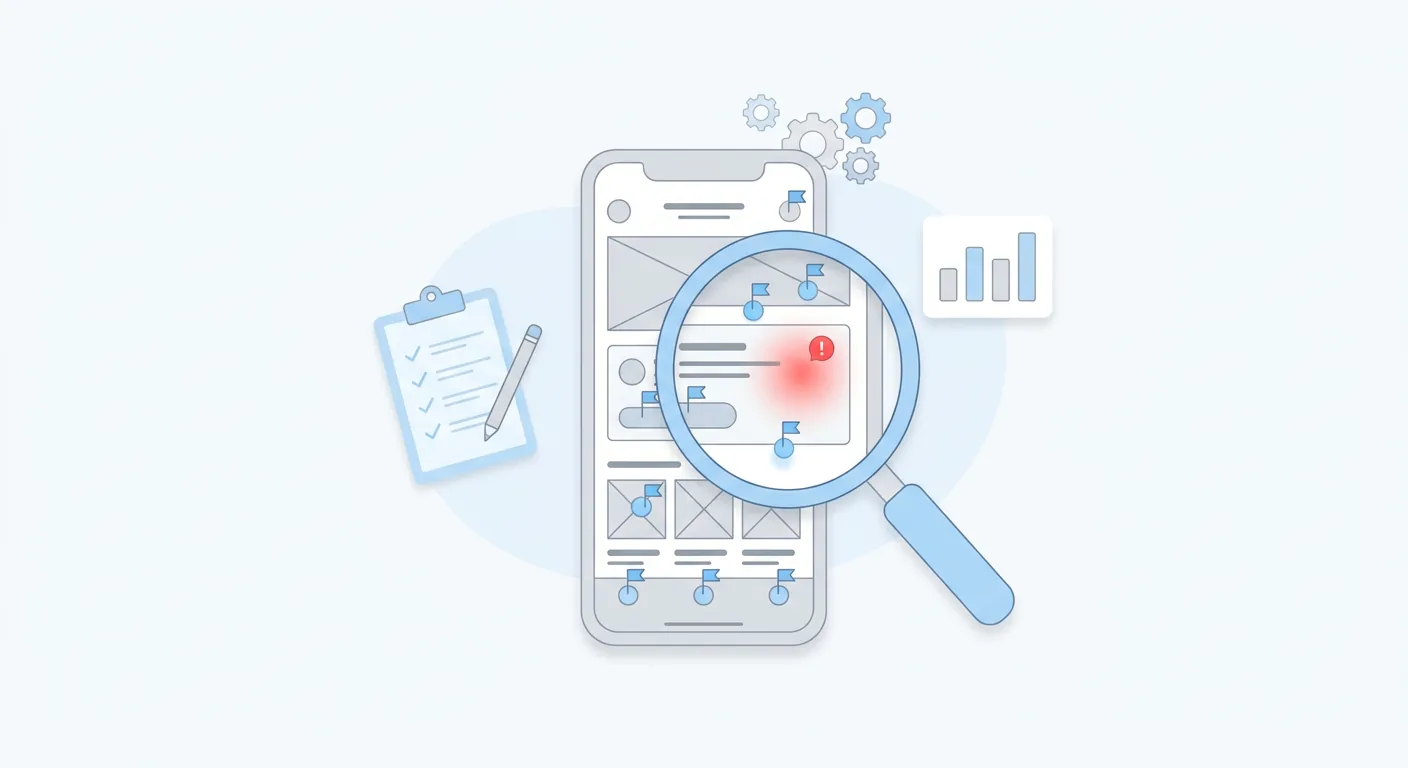
Learning how to redesign an app the right way starts with an uncomfortable truth: most redesigns fail to move the metrics they were meant to fix. The new interface ships, existing users grumble, and three months later retention looks exactly like it did before the project started.
The difference between a redesign that works and an expensive coat of paint is process. This is the process we run at Quadiz, from audit to staged rollout, with the baselines and tests that keep every decision honest.
How to Redesign an App in One Sentence
Audit first, baseline every metric you want to improve, redesign the flows users actually struggle with, test prototypes with real users, then roll out gradually and grade the result against your baseline. Everything else in this guide is that sentence, expanded.
Signs Your App Actually Needs a Redesign
A redesign is a serious bet, so make sure the bet is justified. The reliable signals:

- Retention or conversion trending down on a key flow, with no technical cause.
- Reviews and support tickets repeating the same confusion: "can't find," "takes too many steps," "looks outdated."
- The design has drifted: years of bolted-on features, inconsistent patterns, three generations of buttons on one screen.
- Your business model shifted and the interface still serves the old one.
If none of these are true and the numbers are healthy, you do not need a redesign. You need restraint.
The 7-Step Redesign Process
- Run a UX audit before touching any screen. Review analytics, crash reports, support tickets, and store reviews. Go area by area: user flows (where do people abandon tasks), navigation (what users cannot find), visual hierarchy (which actions get overlooked), and consistency (where patterns break). Interview churned users; their complaints are clues, not noise. Output: a prioritized problem list, not opinions.
- Baseline every metric you want to improve. Record the pre-redesign numbers: retention at day 1, 7, and 30, activation, task completion, conversion, crash rate. Without a baseline you cannot prove the redesign worked, and every later debate collapses into taste versus taste. If you cannot name the one metric this redesign must improve, pause the project.
- Set scope with usage data, and write the not-change list. Feature adoption data reveals what users actually use versus what the team assumes they use. Fix the discoverability of used-but-hidden features, simplify used-but-painful flows, and delete what nobody touches. Then explicitly list what stays identical. Stability is a feature for the people who already rely on you.
- Redesign flows before screens. Map the core journeys by task completion and fix the information architecture in low-fidelity wireframes, where deleting a step costs nothing. Go high-fidelity only after the flows survive scrutiny, and standardize components into a design system so the app stops drifting. Bring developers in at this stage, not after it.
- Test prototypes with real users. Five users per flow, moderated, with the team watching where people struggle instead of defending the design. Five users surface the large majority of usability problems, and a flaw fixed in a prototype costs a fraction of the same fix in code.
- Roll out in stages, not globally. Start with a beta cohort, then expand in phases. Monitor crashes, reviews, and baseline metrics at each stage, and A/B test any change that touches a money metric.
- Measure against the baseline and keep iterating. Compare 30, 60, and 90 days post-launch against the numbers from step 2: retention, onboarding completion, conversion, task success. A redesign is a hypothesis. Measurement is how you grade it.
How to Redesign an App UX Without Losing Existing Users
Even a genuinely better design causes short-term backlash, because re-learning has a cost and your existing users pay it first. Managing that transition is its own discipline.
Ship gradually so a bad surprise hits fifty beta users instead of your whole base. Keep familiar anchors where users expect them, especially primary navigation. Introduce changes contextually, with a brief in-the-moment explanation rather than a six-screen tutorial nobody reads. And when week-one sentiment dips, do not panic and start reverting: judge the redesign on 30-day cohort data against your baseline, with support tickets and review sentiment as early indicators.
What This Looks Like in Practice: Bpics
When we redesigned Bpics, an AI-powered stock photo platform, the work followed this same arc: audit and analytics first, then flows and a scalable design system, tested before anything was built.
You do not have to take our word for it, because the evidence is public. The before-and-after story is in the Bpics case study on our works page, and the Bpics design system is published on UI8, where you can inspect the actual deliverable instead of screenshots of it. Any partner pitching you a redesign should be able to show evidence at this level. If they can only show taste, keep looking. Our app design services start at the audit for exactly this reason.
Frequently Asked Questions
How long does an app redesign take?
A focused, flow-level redesign can land in a few weeks. A full-app redesign with testing typically runs two to four months, and a staged rollout adds time on purpose, because it protects your metrics while the new design proves itself.
Should I redesign or rebuild my app?
Redesign, in most cases. A rebuild is only justified when technology is the constraint: a legacy stack, security exposure, or scaling limits. Most underperforming apps have a UX problem, and a UX problem is far cheaper to fix than a codebase.
Will a redesign hurt my App Store rating?
Managed well, no. A beta cohort and phased rollout catch problems while they are small. Expect some early grumbling from existing users even when the new design is objectively better; watch the trend over 30 days rather than the first week's reviews.
Who needs to be involved in a redesign?
A designer who leads the audit, a product owner who can make scope calls, a developer from step four onward, someone who owns the analytics baseline, and at least five real users per testing round. Redesigns run by a designer alone tend to solve the wrong problems beautifully.
Get a Redesign That Moves a Metric
A redesign is a measured bet. The partners who start by showing you screens are selling paint; the ones who start with an audit are selling outcomes. Choose accordingly.
| What you need | Where to go |
|---|---|
| Before-and-after redesign evidence | Bpics case study on our works page |
| The actual redesign deliverable, inspectable | Bpics design system on UI8 |
| An audit-first redesign team | Quadiz app design services |
| A scoped quote for your redesign | Get a quote |
Tags:#Mobile App Design#App Redesign#UX Design
Written byFounder & Lead Developer
Nayef
Visit Website ↗Tech enthusiast, lead developer, and founder of Quadiz.


