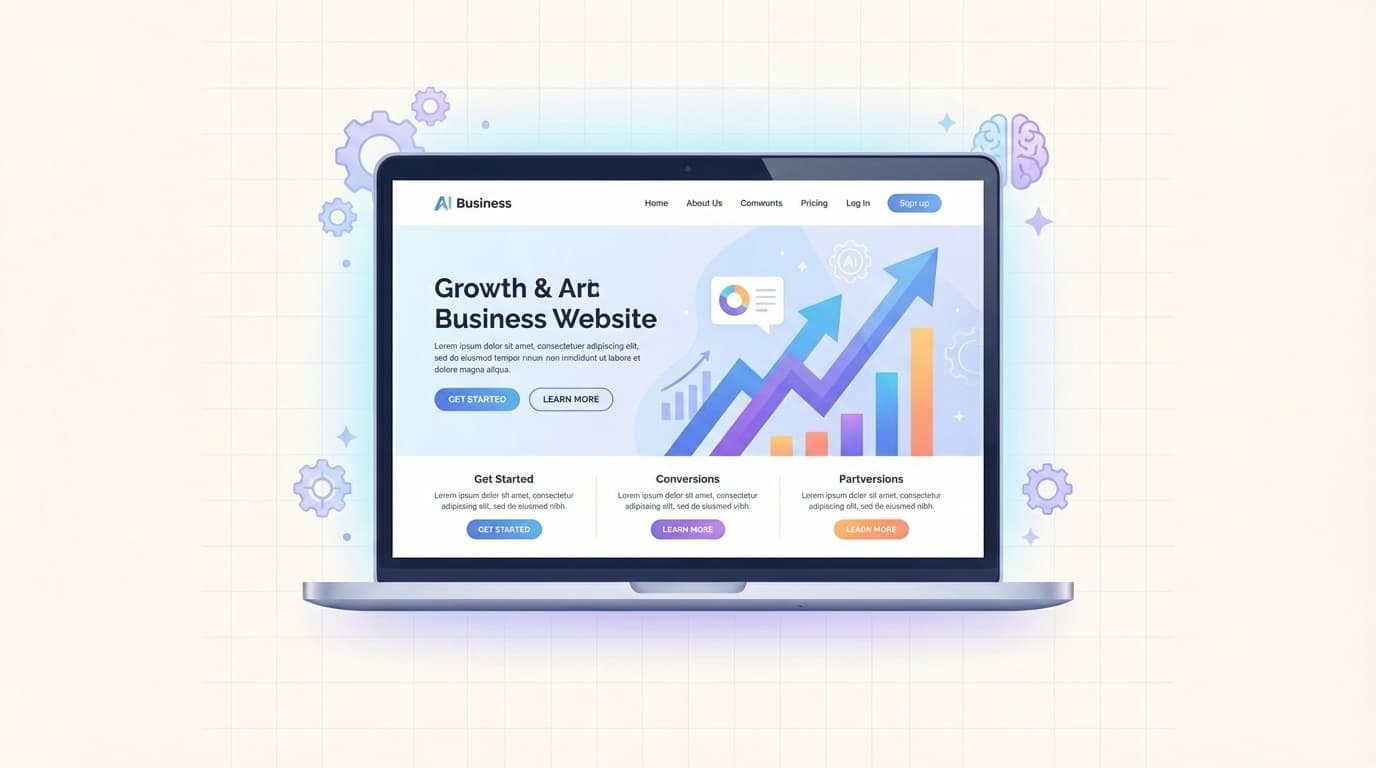
Every successful business today relies on a website that supports business growth. It acts as your 24/7 salesperson, lead generator, and brand ambassador all in one place. When built correctly, it attracts targeted visitors, turns them into customers, and scales with your company.
In 2026, over 70 percent of buying journeys start online. Without a website that supports business growth, you miss out on the majority of potential customers who search, compare, and buy digitally. A well-planned site delivers measurable results while traditional methods fall short.
Business owners who invest in the right foundation see faster expansion, lower marketing costs, and stronger customer relationships. This guide walks you through the exact process so you can create a site that works as hard as you do.
Why Does Every Business Need a Website That Supports Business Growth?
Customers expect instant access to information, easy navigation, and clear calls to action. A growth-oriented website meets these expectations and keeps visitors engaged longer.
It also builds trust faster than social media alone. Professional design and helpful content position your brand as an authority. Studies confirm companies with strong websites generate twice as many leads compared to those without one.
Small businesses benefit the most. You compete directly with larger players by offering personalized experiences at a fraction of the cost. The site becomes your central hub that connects marketing, sales, and customer service efforts seamlessly.
When your website that supports business growth aligns with overall goals, every visitor interaction moves you closer to higher revenue and sustainable expansion.
What Are the First Steps to Build a Business Website?
Start by defining clear objectives. Ask yourself what you want the site to achieve in the next 12 months. Do you need more leads, direct sales, or better brand awareness?
Write down specific targets such as monthly visitor numbers or conversion rates. This focus prevents scattered features and keeps development on track.
Next, research your target audience. Understand their pain points, preferred devices, and online habits. Create simple buyer personas to guide every design and content decision.
Finally, map out the main pages you need. Include a clear homepage, about section, services or products page, and contact form. This structure ensures visitors find what they want in seconds.
Which Platform Should You Choose to Build a Business Website?
The right platform makes building and scaling easy. In 2026, no-code and AI-powered tools let you launch professional sites without technical expertise.
WordPress remains popular for flexibility and SEO tools. Shopify works best if you sell products online. Newer AI builders like Framer or Durable generate layouts in minutes based on your business description.
Compare speed, cost, and growth features before deciding. Look for built-in analytics, easy updates, and strong security. Avoid platforms that lock you in or charge high fees as traffic grows.
Test a few options with a free trial. Choose one that matches your budget and skill level so you maintain full control as your business expands.
Image Description: [Clean modern laptop screen displaying a professional business website homepage with clear navigation, growth icons, call-to-action buttons, and mobile preview, using vibrant yet professional blue and green tones for a high-converting growth-oriented website in 2026]

How Do You Design a High-Converting Website for Business Growth?
Design directly impacts conversions. Use clean layouts, fast loading times, and mobile-first approaches since most visitors browse on phones.
Focus on user experience with intuitive menus and logical flow. Place important information above the fold so visitors see your value immediately.
Incorporate trust signals like testimonials, security badges, and clear guarantees. These elements reduce hesitation and encourage action.
Add strategic calls to action on every page. Buttons such as "Get a Free Quote" or "Book a Consultation" guide visitors toward your goals. A/B testing different versions helps you discover what works best for your audience.
Remember, great design is not just beautiful. It must support business growth by making the path from visitor to customer as smooth as possible.
How Can You Optimize Your Website for SEO and Speed?
Search engines reward sites that load quickly and deliver relevant content. Aim for under three seconds load time to keep bounce rates low.
Install an SEO plugin and optimize every page with target keywords, meta descriptions, and alt text for images. Create helpful blog content that answers customer questions and attracts organic traffic.
Use responsive design and compress images without losing quality. Enable browser caching and choose a fast hosting provider to maintain performance as traffic increases.
Regular SEO audits catch issues early. Tools like Google Search Console and PageSpeed Insights provide free insights to keep your website that supports business growth visible in search results.
Which Tools Should You Integrate to Drive Real Growth?
Connect your website to powerful tools that automate and measure progress. Analytics platforms show exactly where visitors come from and what they do on your site.
Add email capture forms and lead magnets to build your list. CRM integrations automatically follow up with interested prospects so no opportunity slips away.
For e-commerce businesses, include secure payment gateways and inventory management. Marketing automation tools send personalized messages that nurture leads into loyal customers.
AI chatbots answer common questions instantly while human support handles complex needs. These integrations turn your static website into an active growth engine that works around the clock.
Image Description: [Professional analytics dashboard on a computer screen showing rising traffic graphs, conversion rates, lead generation metrics, and integrated growth tools with clean data visualizations in modern blue and orange colors]

How Do You Keep Your Website Secure and Ready to Scale?
Security protects your reputation and customer data. Use HTTPS, strong passwords, and regular backups to prevent issues.
Choose hosting with built-in malware scanning and firewalls. Update plugins and themes promptly to close potential vulnerabilities.
Plan for scalability from day one. Select a platform that handles traffic spikes without crashing. Cloud hosting options grow automatically as your business expands.
Schedule monthly maintenance checks. Monitor performance, refresh outdated content, and test all forms and links. Consistent care ensures your website that supports business growth remains reliable year after year.
Many businesses link their site to related resources for deeper value. Explore our earlier guide on why every business needs a strong digital strategy to align your online presence. For expert insights, review external reports from HubSpot on website conversion best practices and Google’s 2026 web performance guidelines.
Building a website that supports business growth takes thoughtful planning, but the results compound over time. You gain better visibility, stronger customer connections, and a foundation for continuous expansion. Start with clear goals, choose the right tools, and keep optimizing based on real data. Your business will thank you with steady growth and lasting success.
Thumbnail Image Prompt: Create a clean, minimal, and simple featured image for the blog post titled "How to Build a Website That Supports Business Growth". Show a sleek modern laptop displaying a professional business website with upward growth arrows, clean navigation menu, conversion buttons, and subtle AI icons in the background. Use soft blue and white color palette with plenty of negative space, elegant sans-serif text overlay reading "Build Your Growth Website 2026" centered, high-resolution flat design style suitable for website header, no clutter, professional and trustworthy business vibe.
admin
Digital product designer and software engineer at Quadiz studio, sharing insights on conversion-driven UI/UX design, modern web development, and building scalable software.


