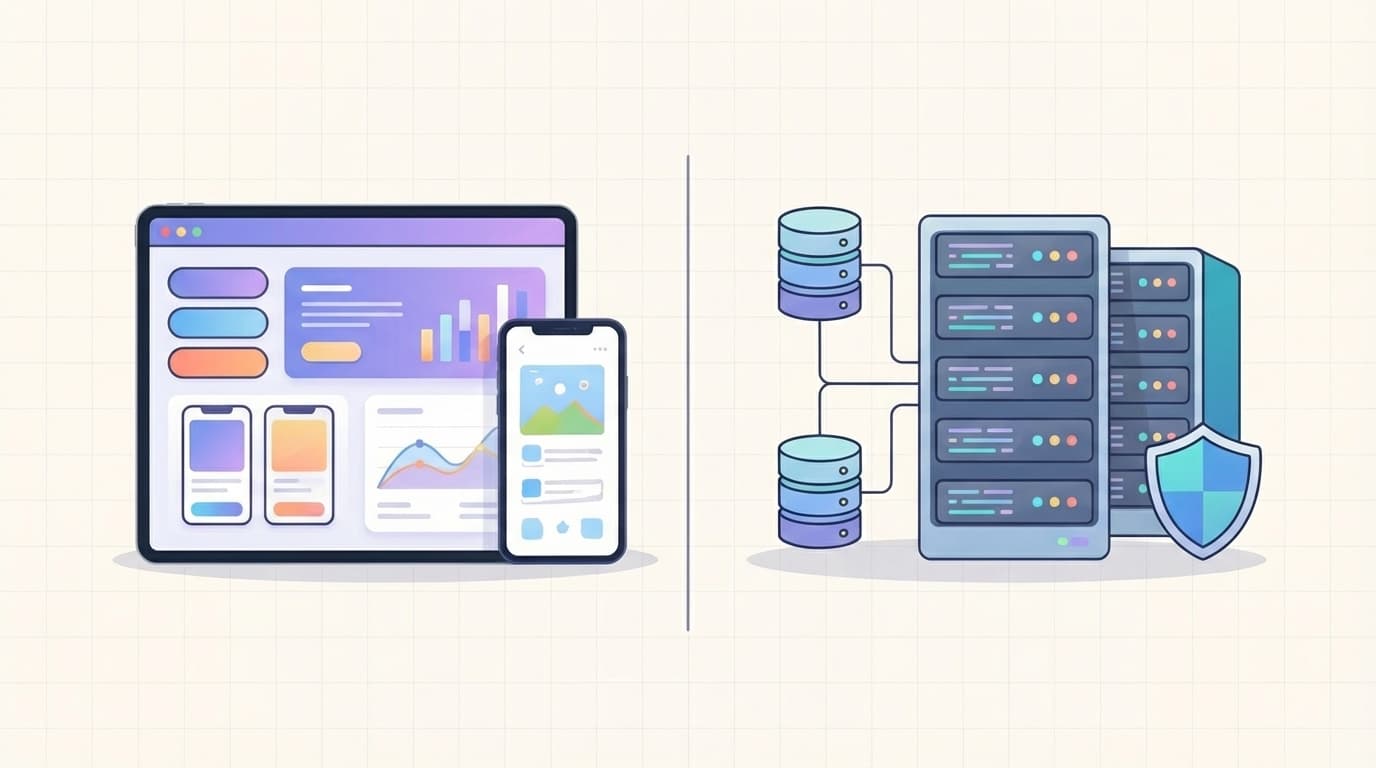
Frontend vs backend development confuses many business owners starting a new website or app. The good news? It’s actually simple once explained clearly. Frontend development creates everything users see and touch, while backend development powers the hidden engine that keeps data safe and the app running smoothly.
Understanding frontend vs backend development helps you set realistic budgets, choose the right team, and avoid expensive mistakes. In 2026, with faster frameworks and AI tools, knowing these differences is essential for launching successful web projects on time and within budget.
This guide breaks everything down with simple lists, comparison tables, and practical examples—no coding required.
What Is Frontend Development?
Frontend development focuses on the visual and interactive parts of your website or app. It’s what users experience directly.
Here’s what frontend developers typically handle:
- Design and layout (colors, fonts, spacing)
- Buttons, forms, menus, and animations
- Mobile responsiveness (works perfectly on phones)
- Speed and smooth user interactions
Popular tools and technologies in 2026:
- HTML, CSS, JavaScript
- React, Next.js, Vue.js
- Tailwind CSS and design systems
Clients notice great frontend development immediately because it shapes first impressions and user satisfaction.
What Is Backend Development?
Backend development manages everything behind the scenes. It’s the invisible foundation that makes the app reliable and secure.
Common responsibilities include:
- Storing and retrieving data (user accounts, orders, products)
- User login, authentication, and security
- Payment processing and email systems
- Server performance and scalability
Popular tools and technologies in 2026:
- Node.js, Python, PHP, or Java
- Databases like PostgreSQL or MongoDB
- Cloud services (AWS, Vercel, Google Cloud)
Most clients never see backend code, but they feel its quality every single day.
[Image: Clean side-by-side infographic for clients comparing Frontend Development with colorful UI mockups, buttons, and mobile screens versus Backend Development with server icons, database symbols, and security shields, clear labels and connecting arrows]

Frontend vs Backend Development: Side-by-Side Comparison
The table below makes the frontend vs backend development differences crystal clear at a glance:
| Aspect | Frontend Development | Backend Development |
|---|---|---|
| What users see | Yes – everything visible | No – completely invisible |
| Main focus | User interface & experience | Data, logic & security |
| Runs on | User’s browser or device | Server or cloud |
| Key skills | Design, animations, responsiveness | Databases, APIs, performance |
| Common problems | Slow loading, broken buttons | Data loss, crashes, security breaches |
| Tools (2026) | React, Next.js, Tailwind | Node.js, Python, PostgreSQL |
| Typical time share | 40-50% of project | 50-60% of project |
| Cost influence | Heavy on design & testing | Heavy on infrastructure & scalability |
This table helps clients quickly understand where their budget and timeline will go.
How Frontend vs Backend Development Affects Timeline and Budget
Different project types need different balances. Here’s a quick list of real examples:
- Simple company website → Mostly frontend development (4–6 weeks, lower cost)
- Online store with payments → Strong backend development (8–12 weeks)
- SaaS platform with user accounts → Balanced frontend and backend (3–6 months)
Budget breakdown most clients see:
- Frontend development: 40–50% (focus on beautiful design)
- Backend development: 50–60% (focus on reliability and growth)
Full-stack developers (who do both) are great for small projects because they reduce coordination time and cost. For larger apps, separate specialists deliver higher quality and easier future updates.
Why Both Frontend and Backend Development Matter for Success
Strong frontend vs backend development working together creates magic. Here are the key benefits in list form:
- Great frontend keeps users happy and engaged
- Solid backend prevents crashes and protects data
- Fast loading times (from both sides) reduce bounce rates
- Easy scaling when your business grows
- Lower maintenance costs long-term
Real example: A client launched an e-commerce site with beautiful frontend development but weak backend. Orders failed during Black Friday, costing thousands. After fixing the backend, sales increased 300% without changing the design.
For more details, read this excellent breakdown on freeCodeCamp and check official guides at MDN Web Docs.
If you’re choosing technologies, see our related article on Choosing the Right Tech Stack for Your Startup.
Should You Hire Separate Developers or One Full-Stack Team?
This decision depends on your project size. Use this simple checklist:
Choose a full-stack developer when:
- Building an MVP or small website
- Budget is tight
- You want fast delivery
Choose separate frontend and backend specialists when:
- App will handle many users
- Complex features like payments or AI
- You plan long-term growth
Questions to ask any developer or agency:
- How do you ensure mobile-friendly design?
- What security measures do you use for user data?
- How will the app handle 10x more traffic next year?
- Can you show examples of similar projects?
Their answers reveal real expertise in frontend vs backend development.
Common Myths Clients Believe About Frontend vs Backend
Let’s clear up the top myths with quick facts:
- Myth: “Frontend is just making things pretty” Fact: Modern frontend includes complex logic and performance optimization.
- Myth: “Backend is only servers and databases” Fact: It now includes real-time features, AI integrations, and business rules.
- Myth: “One side is always harder” Fact: Both require deep expertise—frontend in user psychology, backend in logic and infrastructure.
- Myth: “Full-stack developers do everything perfectly” Fact: Specialists often deliver higher quality on large projects.
Making the Smart Choice for Your Web Project
Start with your business goals. Need a stunning marketing site? Prioritize frontend development. Need user accounts, payments, and data tools? Invest in strong backend development.
Most successful projects balance both sides. In 2026, AI coding assistants speed up work, but clear communication with your team remains the most important factor.
Share your growth plans early. The more your developers understand your vision, the better they balance frontend vs backend development to deliver exactly what your business needs.
Clients who understand these differences save time, reduce stress, and launch web applications that look professional and perform reliably for years.
Take the first step today. Use the comparison table and lists above when talking to developers. Ask the right questions and choose a team that excels in both frontend and backend development. Your project—and your customers—will thank you.
[Image: Professional clean illustration of a happy business client on laptop reviewing a live web app, with frontend UI elements visible on screen and subtle backend icons (servers, databases, locks) connected by smooth flow lines showing perfect collaboration]

Thumbnail Image Prompt: Create a clean, minimal, and simple featured image for the blog post "Frontend vs Backend Development: What Clients Should Know in 2026". Split-screen design: left side shows colorful modern UI mockups with buttons and mobile previews for frontend development; right side shows server racks, database icons, and security shields for backend development. Pure white background with subtle blue and green accents only. Professional minimalist tech style, high resolution, balanced composition, no text or clutter, clean lines, perfect for website header.
admin
Digital product designer and software engineer at Quadiz studio, sharing insights on conversion-driven UI/UX design, modern web development, and building scalable software.


