The difference between UI design and UX design confuses many professionals and business owners. Yet understanding this distinction matters more than ever in 2026. While people often mix up the two terms, the difference between UI design and UX design separates beautiful interfaces from truly successful digital products that users love and keep coming back to.
This guide breaks everything down clearly so you can see exactly how each discipline contributes to great digital experiences.
What Exactly Is UI Design?
UI design focuses on the visual and interactive side of any digital product. It covers everything users see and touch directly. Think colors, buttons, icons, typography, spacing, and how all these elements look on screens of every size.
A UI designer makes sure interfaces feel polished, consistent, and attractive. They choose color palettes that match brand identity, create clickable buttons that stand out, and ensure typography remains readable across devices. Modern UI design also includes micro-interactions such as hover effects, smooth animations, and loading states that make apps feel responsive and alive.
In short, UI design answers the question: “How does this product look and feel when users interact with it right now?”
What Exactly Is UX Design?
UX design takes a much broader view. It concentrates on the entire user journey from the first moment someone lands on a site until they complete their goal and leave happy. UX designers research user needs, create wireframes, map user flows, and test prototypes to remove every point of friction.
They study behavior through interviews, surveys, and analytics. Then they design logical navigation, clear information architecture, and simple processes that guide users effortlessly. Accessibility, load times, error handling, and emotional satisfaction all fall under UX responsibilities.
UX design answers the bigger question: “How does it feel to use this product from start to finish?”
What Is the Difference Between UI Design and UX Design?
The difference between UI design and UX design comes down to focus and scope. UI design is the tangible layer users see and touch. UX design is the invisible strategy that makes everything work smoothly behind the scenes.
UI is about pixels, colors, and aesthetics. UX is about psychology, logic, and user emotions. A beautiful button with perfect shadows represents strong UI design. A checkout process that takes three taps instead of ten and feels effortless represents excellent UX design.
Many people think UI and UX are the same because they overlap daily. In reality, UI forms one important part of the overall UX. You can have stunning UI design paired with terrible UX and the product will still fail. The opposite rarely happens because good UX almost always includes thoughtful UI.
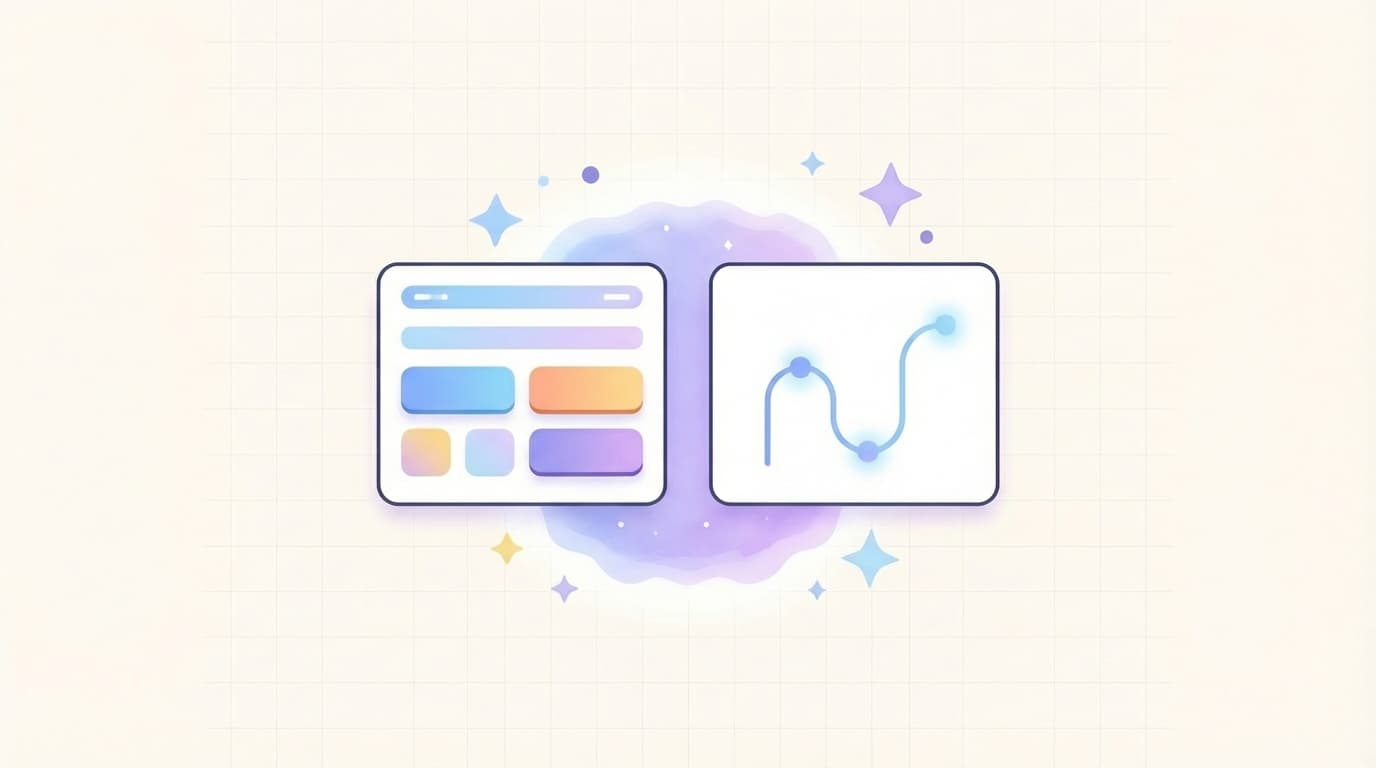
[Image: Side-by-side comparison chart clearly showing the difference between UI design and UX design with visual examples of interface components like buttons and icons on the left and user journey maps with flow arrows on the right]

How UI Design and UX Design Work Together Perfectly
The strongest digital products combine both disciplines seamlessly. Great UI design makes the interface attractive and easy to understand at first glance. Strong UX design ensures users never feel lost or frustrated while moving through the product.
For example, a banking app might use clean cards and large touch targets (UI) while offering one-tap transfers and instant feedback after every action (UX). Together these elements create delight and trust.
Teams that keep UI and UX designers collaborating from the start achieve better results. Shared tools like Figma allow real-time handoff so visual decisions support the overall user journey instead of fighting against it.
Real-World Examples That Highlight the Difference Between UI Design and UX Design
Look at Apple products. Their UI design features elegant minimalism, consistent icons, and buttery-smooth animations. Yet the real magic comes from UX design that anticipates needs, such as automatic iCloud backups and seamless device switching. The difference between UI design and UX design here creates products people describe as “magical.”
On the other side, many e-commerce sites suffer from beautiful product pages (strong UI) but confusing checkout flows with too many steps and hidden fees (weak UX). These sites lose sales even though they look professional.
Another example appears in mobile apps. Duolingo uses bright colors and fun illustrations (UI) while its lesson structure, streak system, and adaptive difficulty keep users motivated for months (UX). The difference between UI design and UX design explains why the app feels both pretty and addictive.
[Image: Mobile app screenshot examples contrasting a clean modern UI layout with intuitive navigation and progress indicators that demonstrate how UI and UX work together for higher user engagement]

Why Understanding the Difference Between UI Design and UX Design Matters for Your Business
Knowing the difference between UI design and UX design directly impacts conversion rates, customer retention, and development costs. Companies that invest in both see lower bounce rates, higher task completion, and stronger brand loyalty.
Poor UX frustrates users even when UI looks nice, leading to abandoned carts and negative reviews. On the flip side, thoughtful UX paired with polished UI builds trust faster and encourages shares and repeat visits.
In 2026, users expect experiences that feel effortless across every device. Teams that separate these roles and then reunite them create products that stand out in crowded markets. The difference between UI design and UX design becomes a genuine competitive advantage.
Practical Tips to Improve Both UI and UX in Your Projects
Start every project with user research before touching any visuals. Understand real needs first so your UI decisions actually serve those needs.
Create wireframes and user flows early to lock in solid UX foundations. Then layer beautiful UI elements on top. Test early and often with real users instead of guessing.
Use consistent design systems so UI elements remain predictable while UX flows stay logical. Tools like Figma, Adobe XD, and Webflow now make collaboration between UI and UX teams faster than ever.
Always check accessibility standards because inclusive design improves UX for everyone. Finally, measure success with both qualitative feedback and quantitative metrics such as task success rate, time on task, and Net Promoter Score.
Small improvements in either area compound when you respect the difference between UI design and UX design.
Businesses that apply these principles launch products users actually enjoy using instead of just tolerating. The result shows up clearly in higher engagement, stronger loyalty, and better bottom-line numbers.
admin
Digital product designer and software engineer at Quadiz studio, sharing insights on conversion-driven UI/UX design, modern web development, and building scalable software.


