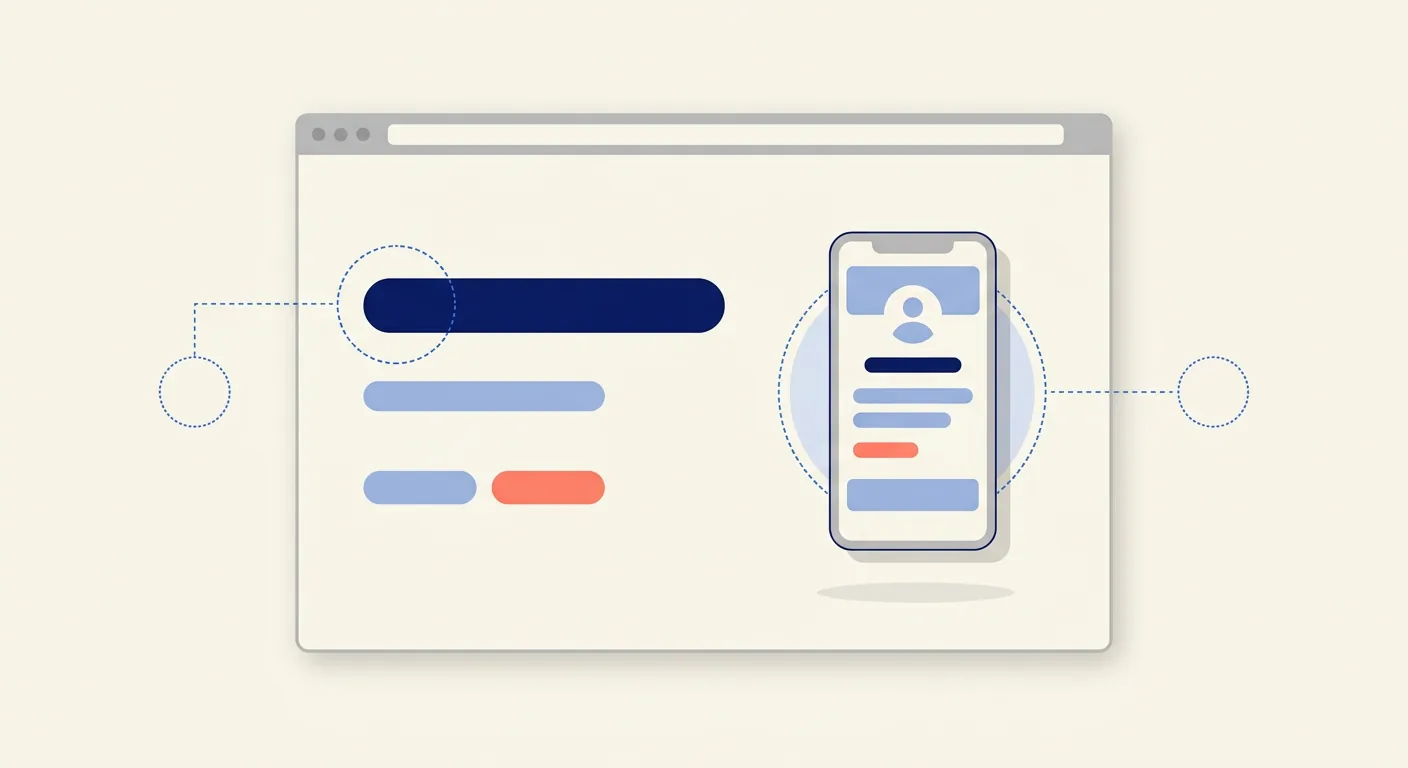
The right app website template gets your marketing site live in a weekend; the wrong path burns a month of the design budget your app itself still needs. And your app does need a website, because the store listing alone cannot rank for category searches, host a press kit, run a waitlist, or carry the privacy policy URL both stores require at submission.
This guide settles the template-versus-custom decision, distills the design principles that convert visitors into installers, and points at ready-to-use templates, including a free one built for exactly this job.
App Website Template or Custom Build: Choosing the Right Path
The honest answer most of the time is a template. An app marketing site is one of the best-understood page types in the industry: the anatomy is fixed, the conversion goal is singular, and a quality template already embodies both. Custom earns its money only in three situations: the website itself is a brand event (you are launching a category-defining product and the site is part of the spectacle), you need heavy interactive storytelling a template cannot hold, or your app is a web product whose marketing site and product surface share a design system at scale.
The decision rule: if the site's job is to get installs, start from a template and spend the saved budget on the app. If the site's job is to make people stare, build custom. And when custom is genuinely the call, that is the kind of work our design team does from the strategy up.
Whichever path you take, the quality bar is the same: the template must be responsive first (most of your visitors are already on phones, which is ironic until your bounce rate explains it), fast-loading, and editable enough to absorb your brand without looking rented.
Application Web Design Principles That Convert Visitors Into Installers
Whether you start from a template or a blank artboard, these are the rules that decide whether the site sells:

- Pass the five-second test. A first-time visitor should know what the app does and who it is for within five seconds. An outcome-focused headline plus a sub-headline that says how; the product name alone carries neither.
- Show the product in the first viewport. Screenshots in device frames, or a short muted demo loop, above the fold. Visitors who cannot see the app do not believe the adjectives.
- One conversion goal, repeated. A download CTA with store badges above the fold, mid-page, and at the bottom. Every additional goal you add taxes the one that matters.
- Benefit features, not a spec sheet. Three to five features phrased as outcomes. "Never miss a dose" converts; "push notification engine" does not.
- Social proof at decision points. Ratings, download counts, review quotes, and press mentions placed next to CTAs, where hesitation lives, not exiled to a footer.
- Answer objections with an FAQ. Compatibility, pricing, data privacy: the three questions every visitor has, answered on the page instead of forcing a support email.
- Mobile-first, twice over. The site exists to move someone from a phone browser to a store install. Test the whole funnel one-handed on a small phone, or discover from analytics why nobody finished it.
The Pages Every App Website Needs
A tight app site is smaller than teams assume:
- Home / landing: the conversion machine described above.
- Features or how-it-works: depth for the convinced-but-curious.
- Pricing, if the app charges.
- Privacy policy and support: not optional. Both app stores require a working privacy URL at submission, and a reachable support channel screens out preventable one-star reviews.
- Changelog or blog: the compounding asset. It gives the site something to rank with after launch week and gives returning users a reason to come back between releases.
Templates Worth Starting From Today
Our own catalog covers both surfaces of this job, and everything in it passed UI8's marketplace review:
- Coreik SaaS Application Website, free, is the exact use case: an application-marketing site with hero, features, pricing, and FAQ blocks already laid out. If budget is the constraint, start here and spend nothing.
- Glitter brings a bolder agency personality for studios and product brands that want the site to announce taste.
- Coreik Digital Agency suits teams presenting both services and products from one site.
- Educore covers the e-learning category with course, pricing, and testimonial sections.
- Nexus and Freno cover the other surface: the web application itself. If your product has a dashboard or admin side, these are the light-and-dark, component-complete kits for it.
If none of these fit after honest evaluation, that is your answer from the decision rule above: the site wants to be custom, and the earlier section tells you what that budget should be doing.
Frequently Asked Questions
Does my app really need a website, or is the store listing enough?
The store listing is necessary but not sufficient. A website gives you search visibility outside the stores, a surface for press, reviewers, and investors, a place to run a waitlist before launch, retargeting for ads, and the privacy policy and support URLs both stores require. The listing converts people already in the store; the website brings them there.
How long does a template-based app website take?
With a good template, real screenshots, and written copy ready, a focused weekend gets you live. The slow part is never the template; it is deciding the headline and harvesting screenshots. Budget a day for copy, a day for assets, a day to assemble and test on real phones.
When should I replace the template with a custom site?
When a metric says so: the template site converts well but cannot express a new brand ambition, you need interactive storytelling it cannot hold, or the product line outgrew a one-product page. Replace on evidence, not on boredom.
Does the website affect my app's store ranking?
Mostly indirectly, but meaningfully. A site that ranks for category searches feeds a steady stream of qualified visitors into your store listing, and install velocity plus ratings are ranking factors in the stores. The website does not change the algorithm; it feeds the signals the algorithm reads.
Ship the Site Your App Deserves
Your users meet your website before they meet your app. Give them a page that passes the five-second test, shows the product, repeats one clear invitation, and loads fast on the phone they are holding. A template gets you there this week. Then the app gets to be the hero it should have been all along.
| What you need | Where to go |
|---|---|
| A free app website template built for this exact job | Coreik SaaS Application Website on UI8 |
| A bolder brand statement | Glitter on UI8 |
| Kits for the product's web surface, light and dark | Nexus on UI8 |
| A custom site that is itself a launch event | Quadiz design services |
| A scoped quote | Get a quote |
Tags:#Mobile App Design#App Website#Templates
Written byFounder & Lead Developer
Nayef
Visit Website ↗Tech enthusiast, lead developer, and founder of Quadiz.


